
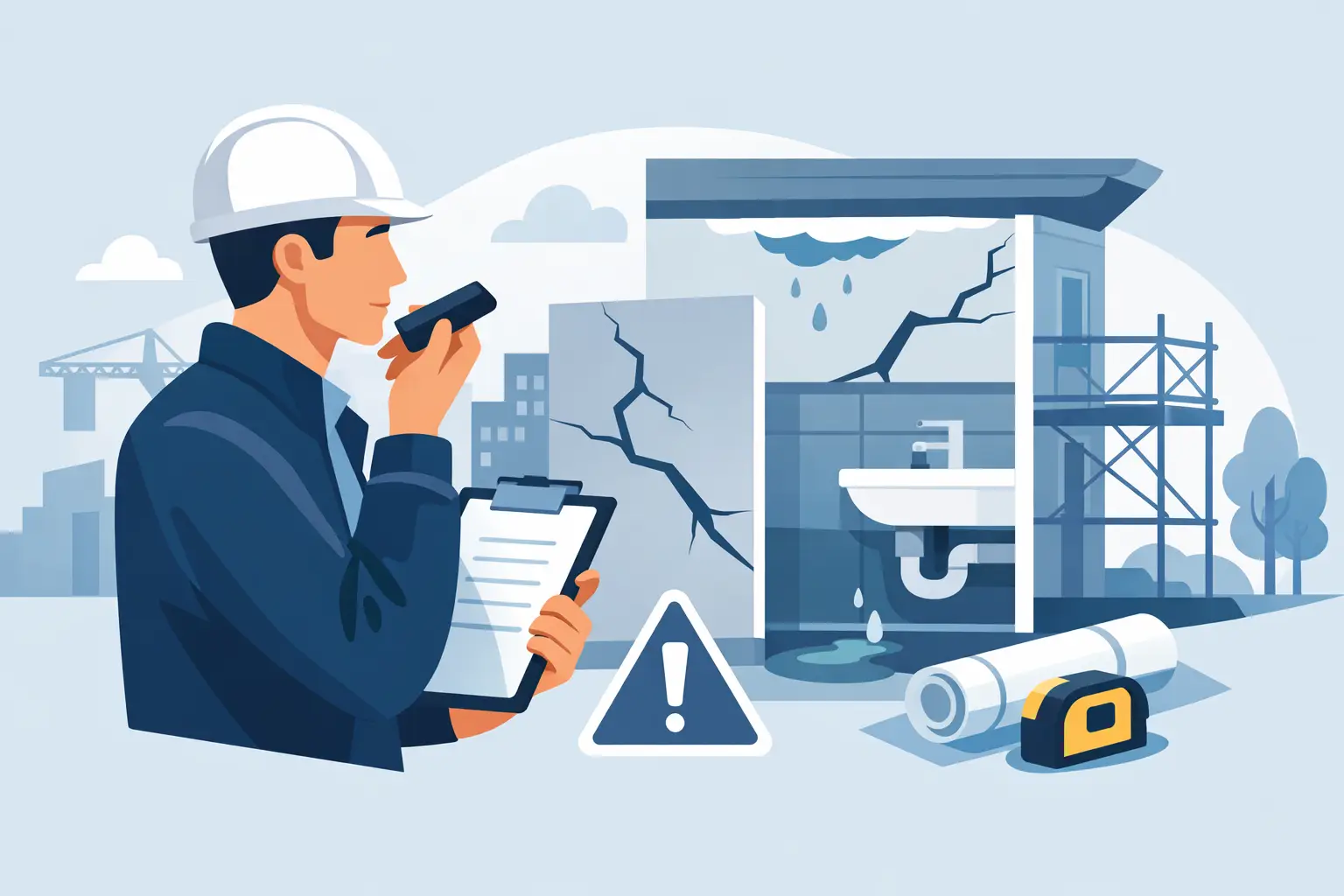
In inspections, seconds count, but the defect report must withstand weeks of work, corrections, and potential discussions about responsibility. Dictating construction defect descriptions allows you to register problems without stopping the inspection, provided that the spoken description immediately leads to an unambiguous task for the contractor.
It's not simply about converting voice to text. Well-used dictation shortens the time between spotting a defect and assigning it, locating it, and documenting it. Poorly used, it creates another set of imprecise notes that someone will have to interpret, correct, and rewrite into a report later.
Why dictation works on construction sites
During the inspection of an apartment, floor, or finishing works, the inspector typically performs several tasks simultaneously: examining details, comparing them with documentation, taking photos, determining location, and speaking with the contractor's representative. Typing full descriptions on a phone under such conditions slows down progress through the site. It's also easy to miss important details on a keyboard, especially when the next defect is already visible a few meters away.
Dictation allows you to maintain the natural workflow. First, you indicate a point on the plan or select a room, then you take a photo and speak the description. The report is created at the source of the problem, not in the evening at a desk when memories of details are already incomplete.
The benefit is particularly visible when there are many similar defects. Instead of typing sentences about cracks, incomplete painting, or missing sealants, the inspector can efficiently create complete reports. Time savings should not, however, mean being terse. The contractor must know what to fix, where, and according to what expected standard.
Dictating construction defect descriptions requires a schema
The best voice description is not a free-form note. It has a fixed, simple structure that the team applies regardless of the type of building. In practice, four elements are enough: the subject of the defect, its nature, the exact location, and the expected action.
Instead of saying "There's something to fix here by the window," it's better to record: "Living room, balcony window on the west wall. Crack in plaster above the right corner, approximately thirty centimeters long. Repair the surface, restore the texture, and repaint." Such a description reduces the risk that the crew will repair the wrong section or consider the report too vague.
For repetitive elements, it's worth specifying the side, axis, or room number. "Defective door installation" makes sense only to someone standing in front of that specific opening. "Unit 2.14, bedroom, door D3, leaf rubbing against the floor on the handle side" is already a task that can be assigned and verified.
The description doesn't need to include a diagnosis of the cause unless it has been confirmed. The inspector may notice moisture, delamination, or a leak, but should not determine in the dictated entry who is responsible—whether it's the technology, material, or a specific contractor. It's safer to describe the actual condition and the scope of expected verification: "Water stains on the ceiling at the plumbing riser. Determine the source of moisture, eliminate the cause, and restore the finish after the partition dries."
Speak as if to the contractor, not to your own notes
On construction sites, abbreviations are often used that are understood by one person or one crew. In voice reports, it's worth using them carefully. "Fix as discussed" or "electrical work" does not create documentation that you can return to after the team composition changes.
A better principle is: the description should be understandable to someone who didn't participate in the inspection. If after reading the report you cannot identify the location, scope, and closure criteria, the entry needs clarification. The criteria don't need to be elaborate. Often "flush with the wall face," "remove soiling without surface damage," or "confirm proper operation in the presence of the inspector" is enough.
Photos and plans supplement voice, they don't replace description
Speech recognition doesn't solve the location problem. Even the most detailed text can lead to confusion when there are dozens of similar rooms, windows, or plumbing risers on one floor. That's why the dictated description should work together with a marked point on the plan and photo documentation.
The plan answers "where." The photo shows "what is visible." The description explains "what needs to be done" and, when necessary, "how to verify the result." Only such a set enables efficient task assignment without additional phone calls and site visits.
Good practice is to take one broader photo showing the element's location and another close-up of the defect itself. For larger damage, it's worth adding a scale or reference point. You don't need to dictate information that is clear on the plan, but you should state what neither the plan nor the photo will convey: the scope of repairs, inspection requirements, or work sequence.
How to limit speech recognition errors
Construction is not a quiet office. Machine noise, echoes in empty rooms, wind, protective masks, and industry terminology can reduce transcription quality. It's worth treating the dictated text as a quick working draft that should be reviewed before saving the report.
Most frequently misrecognized are unit numbers, door designations, material names, dimensions, and technical terms. For critical elements, it's good to speak slowly and separate data: "unit two point fourteen," "door D three," "gap five millimeters." If a number or dimension is important for invoicing, checking it takes less time than later clarifying an incorrect entry.
The team should also establish consistent terminology. One person says "incomplete painting," another "missed area," and a third "lack of coverage." All terms may be correct, but consistent naming makes it easier to filter reports, analyze recurring problems, and prepare reports for contractors.
Voice entries must enter the proper workflow
A quick report has value only when it immediately has an owner and status. A defect without assigned responsibility becomes information, not a task. Closing without a photo after repair or confirmation from the inspector provides no certainty that the problem was actually resolved.
In a system like FixControl, a dictated description can be linked to a point on the plan, photos, the contractor, a deadline, and a change history. This way, the investor sees the inspection status, the manager can enforce corrections, and the subcontractor receives a clear scope of work. Teams working digitally update tasks directly in the app, while with traditional workflows, you can hand the contractor an organized PDF or Excel report.
Not every case requires the same level of detail, however. For simple cosmetic fixes, a short, precise description and a photo are enough. For roof leaks, installation damage, safety defects, or contract disputes, broader documentation is needed: date, discovery conditions, additional photos, verification description, and repair confirmation.
The best measure of good dictation is not the number of words recorded. It's the situation where the contractor, after receiving the report, doesn't need to ask where to go, what to fix, and how the result will be evaluated. Then the inspection proceeds smoothly, and the documentation stays in its place.