
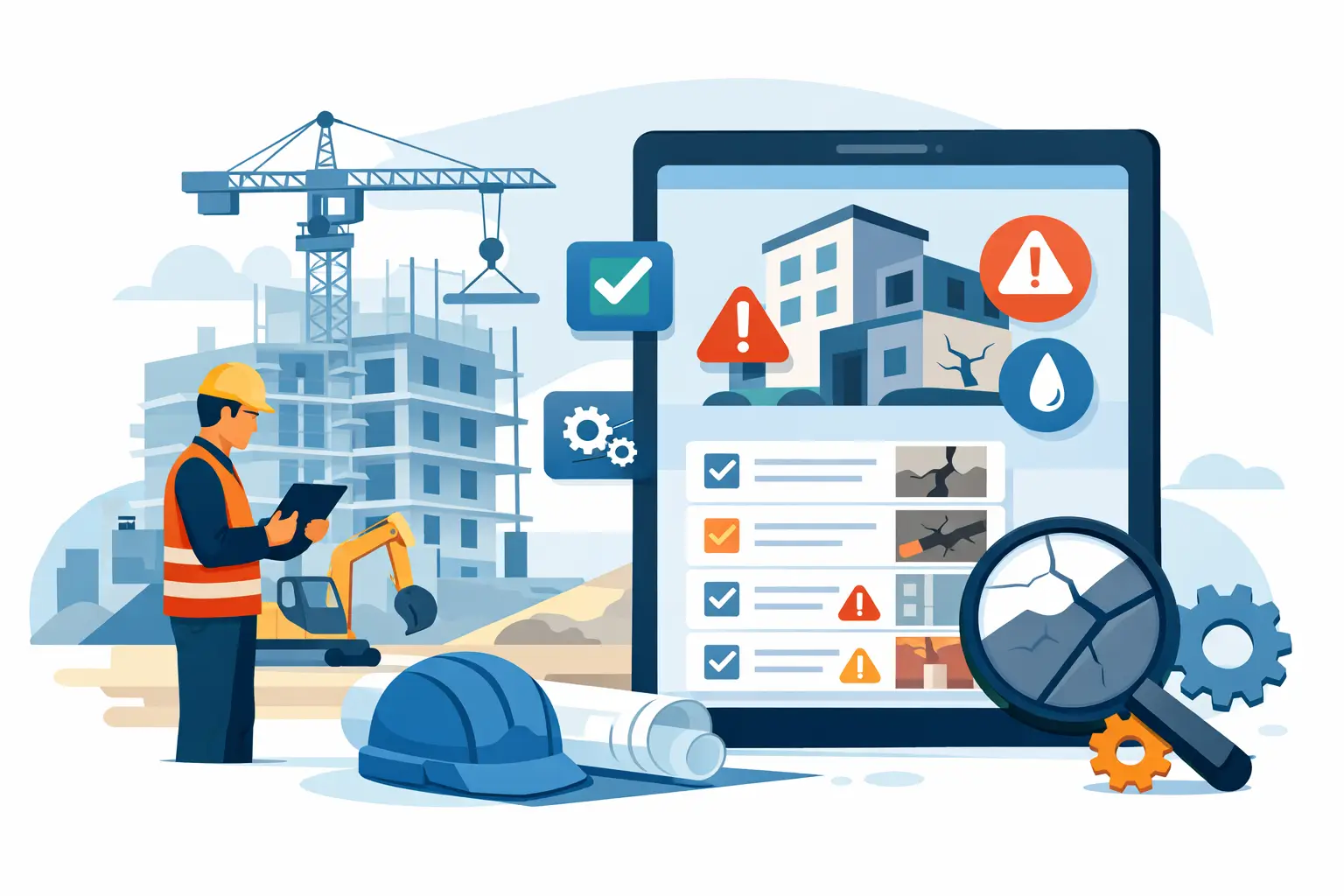
A defect described as "to be fixed at the window" can mean three different rooms, several floors, and another unnecessary site visit. It is in such situations that a defect management system ceases to be an administrative add-on and becomes a quality control, scheduling, and accountability tool. It's not just about recording a defect. It's about ensuring that every participant in the process knows where the problem is, what they need to do, by when, and on what basis the fix can be considered complete.
On a construction site, information about defects usually gets scattered across phone photos, messages, emails, paper protocols, and successive versions of Excel spreadsheets. This system works until the number of reports grows or a dispute arises about the scope of work. Then it turns out that one version of the data, unambiguous location, or confirmation of who closed the issue is missing.
What Should a Defect Management System Be?
It is not just a to-do list. A well-designed system takes a defect through the entire cycle: from reporting in a specific location, through assigning a responsible contractor, monitoring repairs, to final acceptance and documentation archiving.
The foundation is precise location. An apartment number and floor description are often insufficient, especially in a large building, a housing complex, or during finishing works. A point marked directly on the plan allows the team to reach the correct location without clarifying calls and without the risk that the fix will be executed at the wrong defect.
The second element is an organized description. A report should include the defect category, problem description, photographic documentation, deadline, and the person or company responsible for fixing it. In practice, it is worth enabling voice dictation, as an inspector or site manager often creates reports while moving, in noise, and wearing gloves. The system should speed up fieldwork, not require rewriting notes later.
The third pillar is change history. If a contractor marked a repair as completed and the inspector returned it for correction, both pieces of information should remain visible. History is needed not to increase bureaucracy, but so that during acceptance, invoicing, or warranty claims, facts can be reconstructed without searching through emails from weeks ago.
From Report to Confirmed Closure
The greatest value comes from a simple, consistently applied workflow. The person conducting acceptance selects the site, floor, apartment, or area on the plan. Then they mark the defect point, add a photo and brief description, and the system assigns the report to the appropriate contractor or crew.
The contractor receives clear information about the scope of the repair. They don't need to interpret a sentence from a protocol or compare multiple photos without context. After completing the work, they update the status, can add a photo of the repair, and submit the report for verification. Final closure belongs to the accepting party, who confirms that the defect has actually been fixed.
This division matters. A "repaired" status set by the contractor should not automatically mean "closed." Many projects require independent verification by a project manager, site supervisor, investor representative, or person accepting the apartment. Distinguishing these stages reduces apparent closure of issues and decreases the number of returns to the same defects.
Not every organization will implement full digital workflow from day one. Some subcontractors work smoothly in an app, others prefer to receive a clear PDF or Excel report. The system should handle both models without losing control over data. The key is that the report is generated from a single source and includes location, description, photos, status, and responsible contractor.
Where Does Traditional Workflow Most Often Fail?
A spreadsheet works well with a short list of defects in one apartment. Problems begin when there are hundreds of reports and responsibility is distributed among several trades and subcontracting companies. Excel doesn't naturally show location on a plan, photos circulate through separate channels, and file accuracy depends on whether everyone is working on the same version.
A paper protocol provides a formal document but doesn't ensure current control. After acceptance, someone must manually rewrite defects, distribute them, collect responses, and update successive printouts. Each such transition increases the risk of error: changed apartment number, illegible note, missing photo, or incorrect company assignment.
Messengers are fast, but they are not a quality register. A message can disappear among current arrangements, a photo may not contain location information, and after a few weeks it's hard to determine whether the instruction concerned the same defect. Phone calls remain necessary for urgent matters, but it's worth immediately recording a phone discussion in the system as part of the documentation.
How to Implement a System Without Paralyzing the Construction Site?
The most common mistake is trying to describe all possible categories, statuses, and exceptions right away. To start, a simple report standard is enough: location, description, photo, responsible person, deadline, and status. Only after the first acceptances does it become clear which fields actually help the team and which are just additional formality.
It's worth starting with one process with high repeatability. This could be apartment acceptance, control of finishing work on one floor, or inspection of specific trade work. The team will more quickly accept the tool if they see practical results: fewer calls asking "where exactly?", shorter report preparation time, and less manual data rewriting.
You also need to clearly establish roles. Who can report a defect? Who assigns it to the contractor? Who changes the status? Who has the right to close a report? Without these rules, even a good system becomes just another task board without an owner. Permissions should match the actual project structure, with access limited to the appropriate sites, trades, or scopes of work.
Special attention is required for plan preparation. The plan doesn't need to contain every construction detail, but it should be current, clear, and divided in a way understandable to users. If location on the plan raises doubts, the system won't solve the communication problem. If it is unambiguous, it becomes a common language for the investor, supervisor, and crew.
How to Measure Results of Working with the System?
It's not worth evaluating implementation solely by the number of reports created. A higher number of defects initially may simply mean more thorough inspection and better problem registration. More useful are indicators showing workflow: average time from report to repair, number of defects returned for rework, percentage of overdue matters, and number of open reports assigned to a given contractor.
For a project manager, a summary view is important: how many defects remain on a given site, what stage of acceptance the apartments are at, and which trades generate the most open issues. For a contractor, a list of their tasks with precise location is key. For an investor or property manager, complete, defensible documentation confirming the course of acceptance matters.
FixControl organizes this process around plans, photos, statuses, and accountability, but the tool only works when the team accepts one principle: a defect exists operationally when it is registered in one shared place. Thanks to this, discussions about fixes stop being based on memory and guesses and start being based on concrete data.
A well-run defect management system should not replace the experience of a manager, inspector, or contractor. It should give them more time to assess quality and solve problems in the field, instead of reconstructing what was actually decided a few days earlier.